01
Editorial Mono
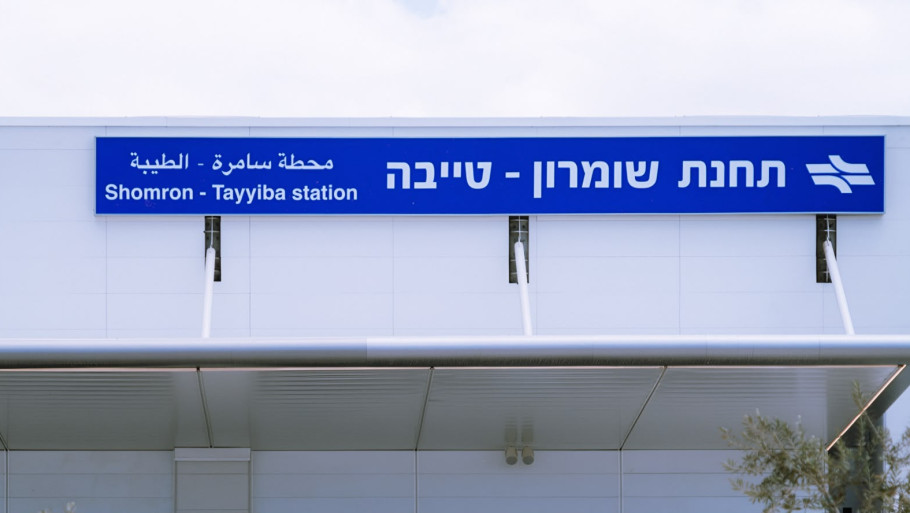
Kills colour clashes across mixed-source archive photos. Safest global default.
filter: grayscale(1) contrast(1.15);Sabra — Visual System Study
CSS-only treatments applied to existing magazine photography. No re-shoots, no re-exports — the archive stays as-is and the layer sits on top. Hover any frame to see the untreated original.
Kills colour clashes across mixed-source archive photos. Safest global default.
filter: grayscale(1) contrast(1.15);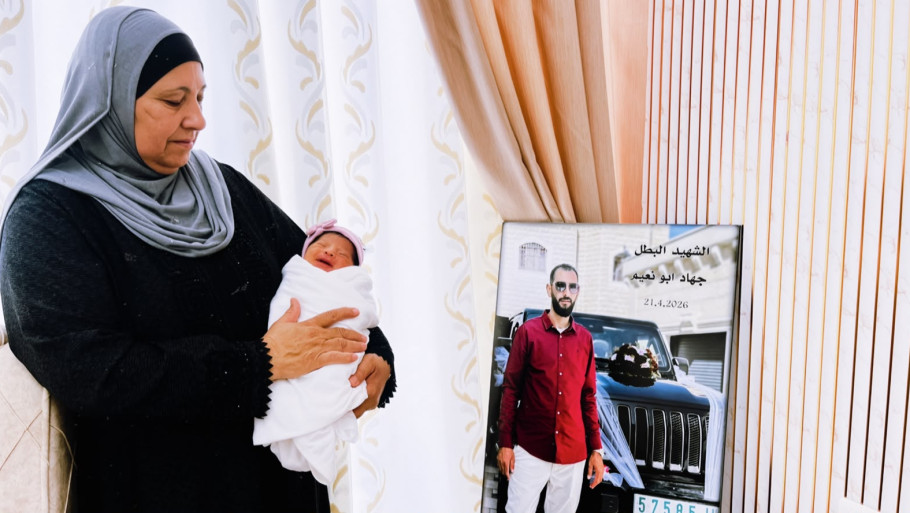
Photo desaturated, blended over a red→paper bed. Locks every image to the brand red.
mix-blend-mode: multiply; over a red gradient bed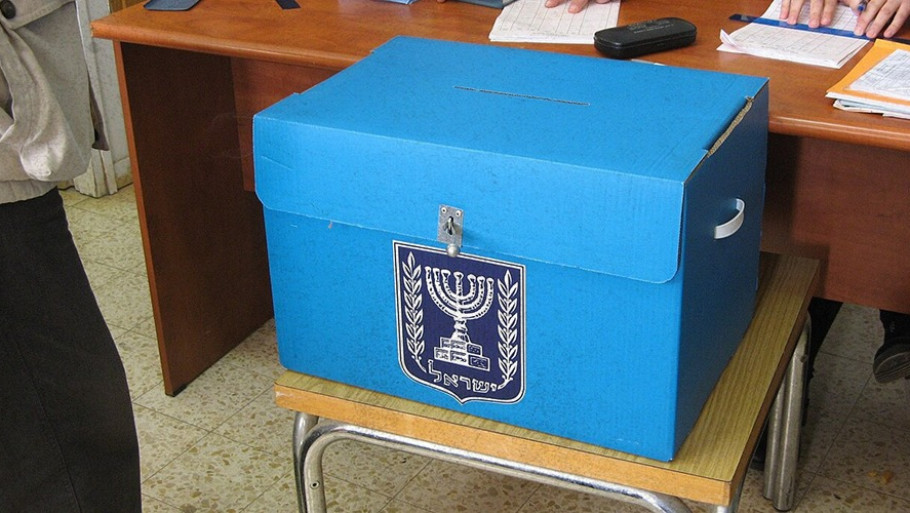
Slight sepia and lowered saturation — warms photos toward the paper background.
filter: sepia(.35) saturate(.75) contrast(1.1);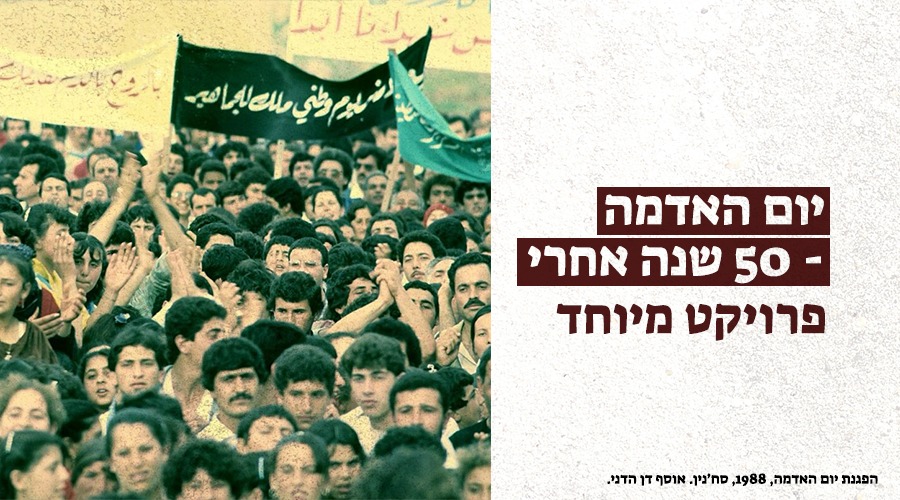
Radial-gradient dot grid multiplied on top. Reads as printed press at any size.
::after radial-gradient dots, mix-blend-mode: multiply;SVG turbulence noise overlay. Hides compression artefacts in older uploads.
::after feTurbulence noise, opacity .5;Hard shadow, no blur — the brutalist move from the new design, zero effect on the photo.
box-shadow: 12px 12px 0 0 var(--ink);Corner crop marks inset in the frame. Adds editorial rigour without touching pixels.
absolute corner rules, inset 12px;1px repeating horizontal rules. Strong on hero images, heavy on small thumbnails.
repeating-linear-gradient(180deg, ink 0 1px, transparent 1px 5px);Multiplied brand gradient from the bottom — built for cards with overlaid headlines.
linear-gradient(0deg, primary, transparent 62%); multiplyClipped corner. Pure geometry — pairs well with 01 or 02 rather than standing alone.
clip-path: polygon(0 0, 100% 0, 100% 88%, 88% 100%, 0 100%);Red wedge multiplied across the lower corner. Leaves the top clear for a headline.
clip-path polygon wedge + mix-blend-mode: multiply;Chunk cut from the top-right. Sticker energy, still fully rectangular in layout terms.
clip-path: polygon(0 0, 74% 0, 100% 22%, 100% 100%, 0 100%);Photo sliced into eight press columns by paper-coloured gaps. Strong for section openers.
repeating-linear-gradient(90deg, transparent, paper gaps);Dotted inset rule. Signals archive or document material without a caption.
::before border: 3px dotted var(--paper); inset 10px;Pointed bottom edge — works as a masthead image sitting above body text.
clip-path: polygon(0 0, 100% 0, 100% 100%, 50% 82%, 0 100%);Ink outline plus a red block behind. Pure furniture — the photo is untouched.
outline: 2px solid ink; box-shadow: 20px 20px 0 primary;Radial mask dissolves the edges into paper. Good for busy or badly cropped archive shots.
mask-image: radial-gradient(ellipse 70% 80% at 50% 45%, #000 55%, transparent);